Contact us!

Enter your details and we'll contact you shortly.

Smarter workflows for smoother shows

New in WATCHOUT

What's new

WATCHOUT 7.7

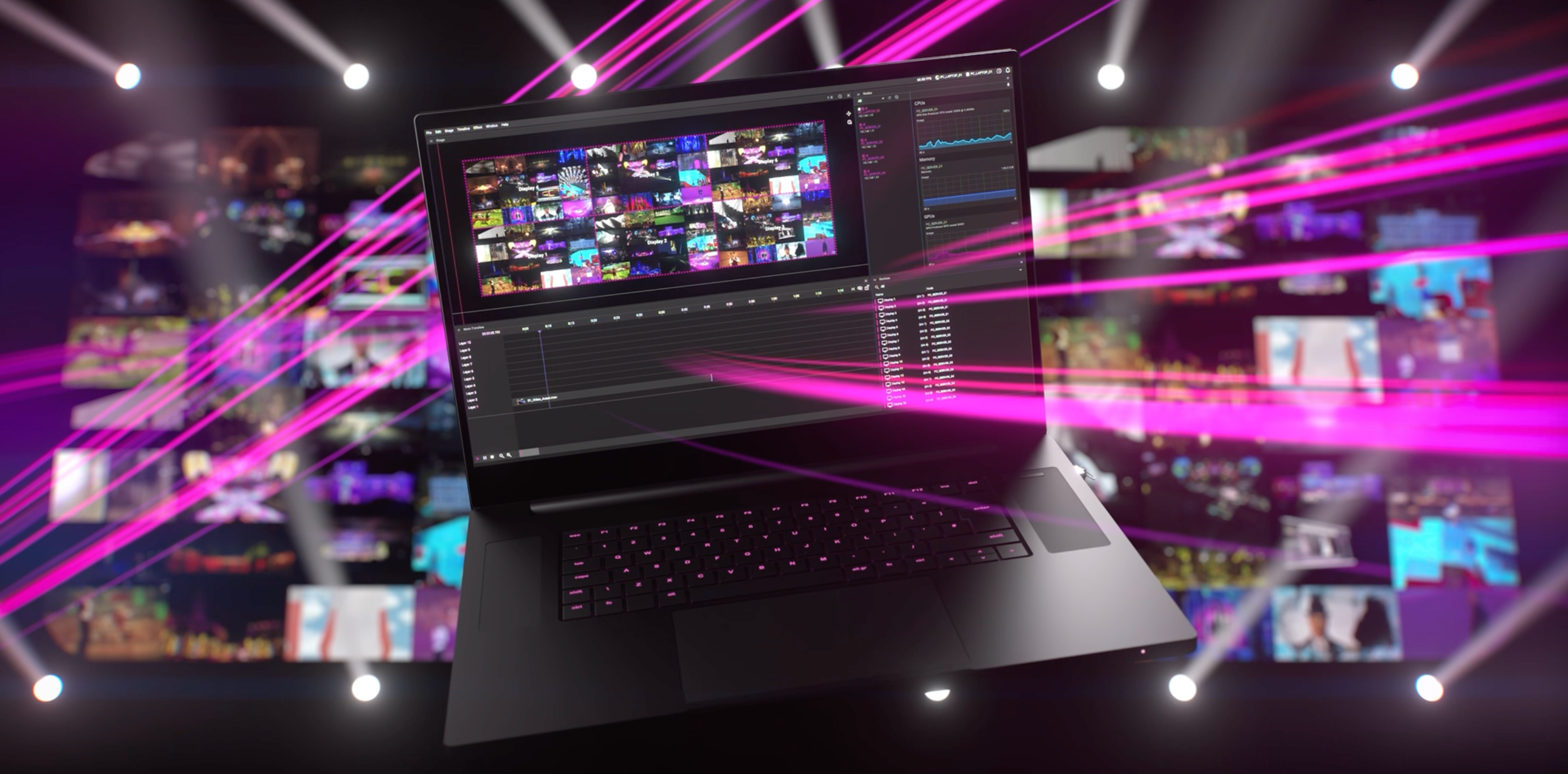
WATCHOUT 7.7 delivers a range of new features and enhancements to make everyday workflow smoother for operators, including faster asset replacement, dynamic columns, clearer disabled cue and missing asset views, cue hit tests, and PSN support. Streamlined, simplified, and smarter — because the detail makes the difference.

WATCHOUT now also supports real-time content streaming via Spout integration. Stream stunning Unreal Engine environments, live video from OBS, creative visuals from TouchDesigner, Processing, and many other applications directly into your WATCHOUT productions.

Spout enables video sharing between applications like Max, Processing, , TouchDesigner and more, opening up endless creative possibilities for live events, installations, and immersive experiences.


Ready to elevate your next production? Scroll down for more 7.7 news!
The headlines

Spout capture

Low latency, lossless local video capture

PSN support

Real-time tracking data integration

Large show performance

Significant optimizations for giant shows with 1000s of cues and assets

UI, sync, asset handling, groups, diagnostics…

Streamlining tasks for show operators

Features


Jump to the release notes

Download WATCHOUT 7.7 now

Video Capture

  • Spout capture - Low latency, lossless local capture up to 32-bit float RGBA
  • NDI extra IPs - Discover NDI sources by IP address
  • Color space override - Manual color space selection for MediaFoundation, Deltacast, and Spout capture
  • Capture source grouping - Better synchronization on multiple capture devices (adds latency when necessary
  • Added refresh button for audio/capture devices
  • Added support for HDMI 2.1 Deltacast cards

Variable Inputs & Control

  • PosiStageNet (PSN) Support - Real-time tracking data as input method
  • Countdown/Countup in external protocol
  • Playstate changes instead of full updates in external protocol
  • Time-based interpolation shows in SSE and user interface
  • Circular interpolation on variable inputs
  • Input interpolation duration – optional transition rate
  • Hit test implementation – Sends coordinates, returns which cues are hit
  • HTTP output protocol - Output cues can now send HTTP requests with configurable method, path, and content type

Display

  • 64-bit SDR desktop mode - Higher BPC desktop mode on modern NVIDIA hardware
  • 16-bit output mode
  • Improved GPU Synchronization

Producer Interface

  • Visualization of disabled cues – Now with grey striped overlay and opacity reduction
  • Timeline zoom to fit / zoom to selection - Ctrl+0 keyboard shortcut
  • Faster asset replacement - "Select cues using asset" workflow
  • Visualization of missing assets – Now shown with name and in red text
  • Improved multi-director handling - Warnings and director selection
  • Show information section added to the Show Properties window (statistics, number of used assets, technical details)
  • Dynamic columns view – Now possible to show/hide and sort by any column
  • Comprehensive keyboard navigation - Extended to all table views

Diagnostics

  • GPU memory & temperature graphs
  • Node error states - Visual indication when nodes fail to report